
AN EXCLUSIVE BACK-END PREVIEW OF OUR LEADS
AN EXCLUSIVE BACK-END PREVIEW OF OUR LEADS

If you’ve work Lead Concepts before, then you may be familiar with Lead Link, a popular program that is used to track the leads you have acquired and what the status for those leads are.
But if this is your first time working with us, or the program still confuses you, this is an article that you’ll want to be familiar with!
This article is designed to get you more familiar with Lead Link, as well as how it benifits you. Before we dive into how Lead Link works and ways you can navigate it, let’s go over what Lead Link is and what its benefits are.


LeadLink is a browser-based organizer tha tis designed for insurance agent and brokers. This means that agents and brokers who use LeadLink will have access to work their leads. Simply put: LeadLink is there for you to be able to manage, organize, assign and track your success.
And, luckily for you, there are a lot of advantanges to working with LeadLink. The first ( and most obvious ) advantage is the fact that it makes tracking and managing your leads a lot easier. For example, rather than struggling to determine who is managing what leads, LeadLink will have it all ready for you.
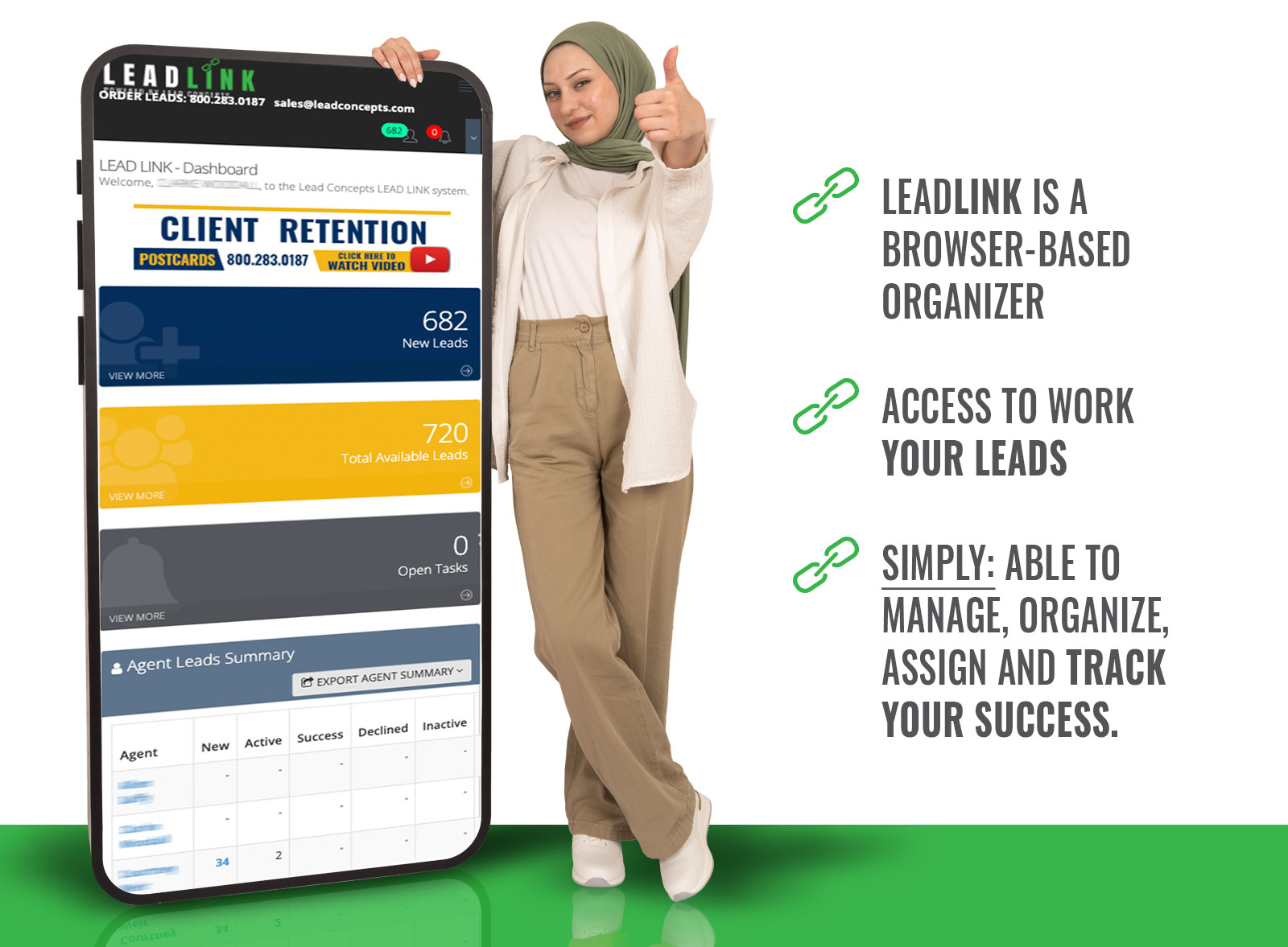
AGENT OVERVIEW. Agent overview allows you to look over the information of any agents associated with your Lead Link account.
ASSIGN LEADS. Lead Link’s ability to allow you to assign leads means that you can send leads to anyone within your company who is using Lead Link.
TRACK METRICS. Tracking metrics means that you are able to track your data, and Lead Link makes sure that is an easy task for anyone who is on its platform.
VIEW NEW LEADS. Being able to view new leads is important because it allows you to track your progress, both long-term and short-term. Lead Link makes it easy for you to view new leads so that you can later assign them.
VIEW HISTORICAL DATA. You want to view all historical data, regardless of its nature, to determin what is working and what isn’t. Lead Link gives you the ability to view yuor historical data.
EXPORT RESPONSES AND LEADS. By exporting leads, we mean exporting thier informantion as different files, whether it be through Microsoft Excel, Adobe PDF or more. This is a great tool for those who want to have this information saved somewhere outside of Lead Link


Lead Concepts has prepared a tutorial series overiewing lead Link on YouTube. You will be able to access the videos by scrolling below and selecting which videos you want to watch. Each video shows visual demonstrations, are easy to follow and are short in their legnt.



But what about updating your lead details? LeadLink has that covered too! You can do this by navigating to the “Lead Detail” page and updating the leads from there.
TUTORIAL #5 – AUTO-ASSIGN RULES


We hope that Lead Link is a helpful tool within your company as you assign organize and manage your leads. Whether you’re a Lead Link pro, or Lead Link is something new.
Lead Concepts is always hete to help. Don’t hesitate to reach out to your lead representative if you need any further assistance in navigating this program.



800.283.0187
info@leadconcepts.com